Find amenities
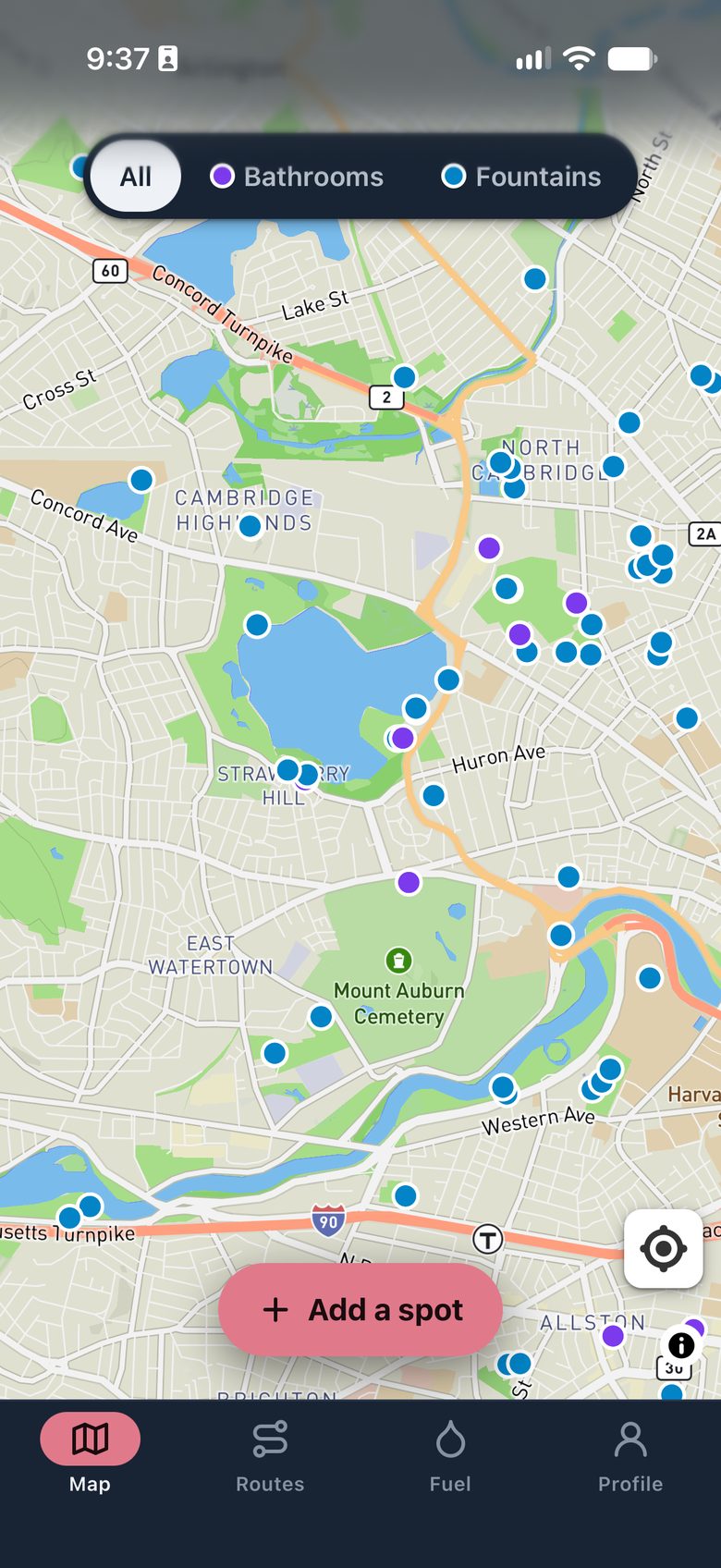
Public bathrooms and water fountains, on one map. Runners add them. Runners confirm they still work.
Greater Boston is mapped. Your town needs you.
Waypoint handles the water, the fuel, and the bathroom you didn’t plan on.
Public bathrooms and water fountains, on one map. Runners add them. Runners confirm they still work.
Greater Boston is mapped. Your town needs you.
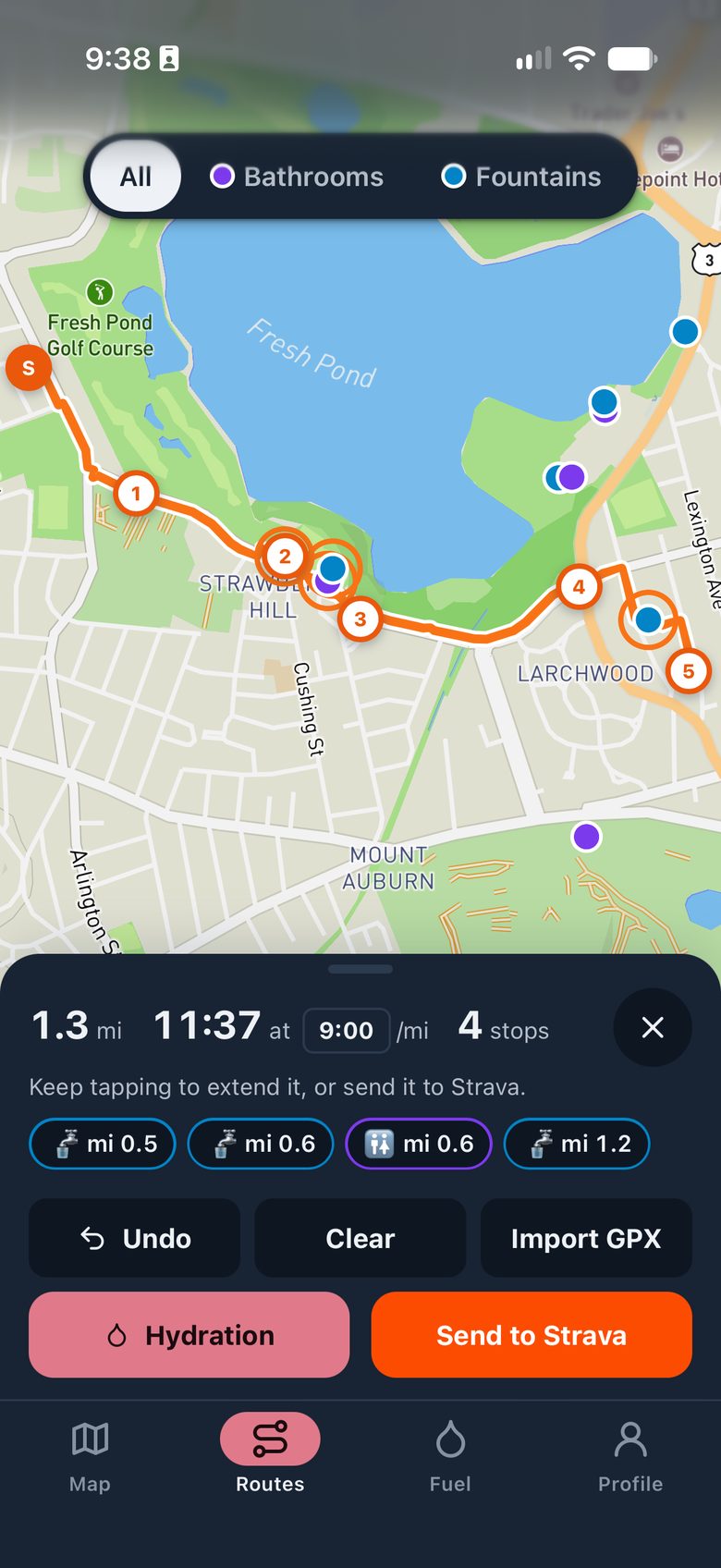
Tap out a route. Waypoint lists every bathroom and fountain along it, by mile. Send the route to Strava when you’re done.
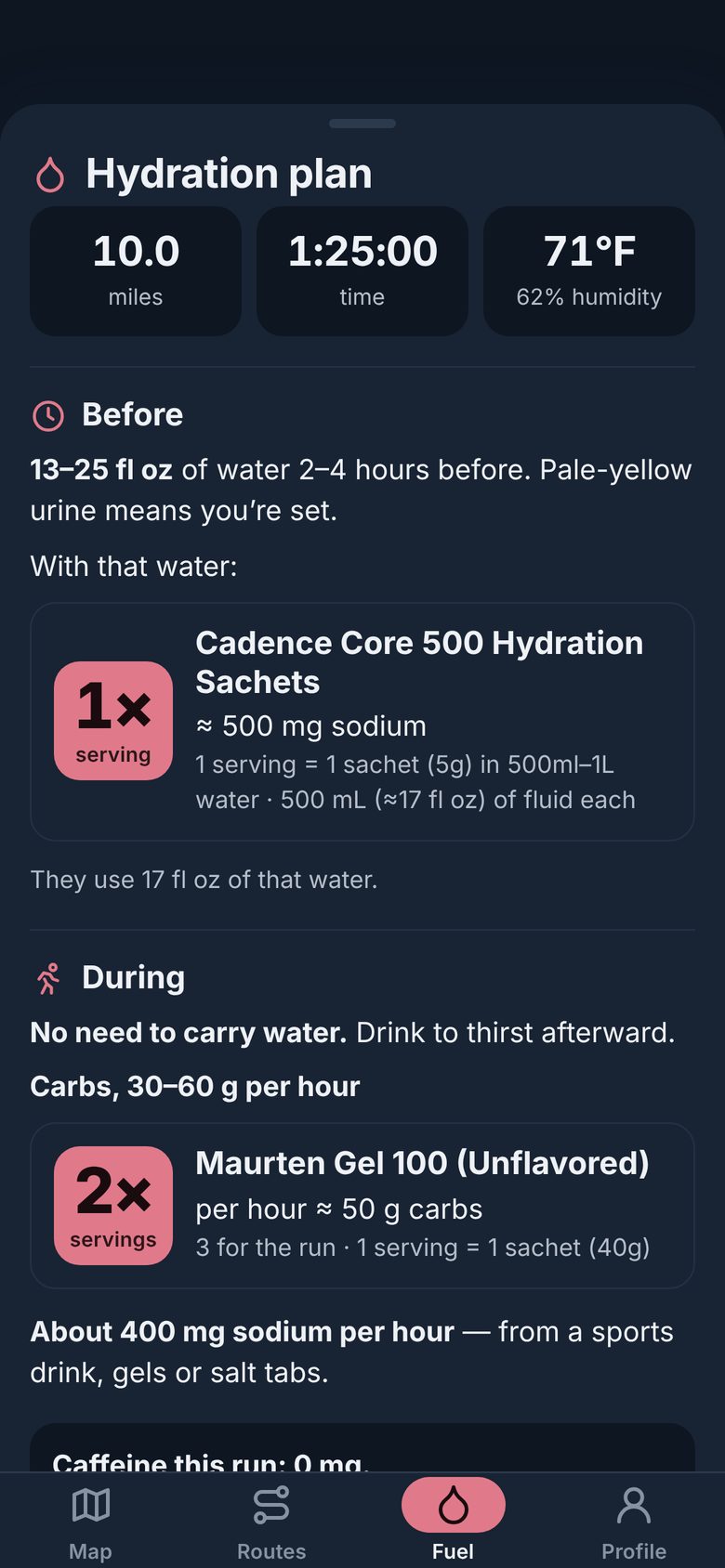
Enter the distance. It checks the weather and tells you what to drink before, during and after, using the gels and mixes you actually carry.
Three steps. About two minutes.
So I can tell you when something breaks, or gets better. No newsletter.
No App Store. It’s a web app that installs like one.
Open WaypointOn a computer? Send this page to your phone and do it there.
When it asks for your location, say yes. That’s how it finds the fountain you’re next to.
Use Strava? Connect your own account in the app’s Profile tab to bring your routes in.
Or what worked. Or the fountain I missed. It comes straight to me.